Korean health certificate not showing online: what to check
If a Korean health certificate does not appear online, that alone does not mean the examination was abnormal or must be repeated. Check result readiness and service coverage first. Separate identity-verification problems from missing records and file-saving or printing problems.
Check processing and the testing institution
If you were examined recently, compare today with the result date the provider gave you. Even after that estimate, ask whether assessment and online processing are complete. An empty document list is not enough to infer illness or a refusal to issue the certificate.
e보건소 (e-Health public health portal) does not consolidate every medical provider’s records. Its published scope concerns public health institutions and excludes private hospitals. If a hospital performed the tests, check its own official certificate route. A service-coverage issue should not be interpreted as a medical finding.
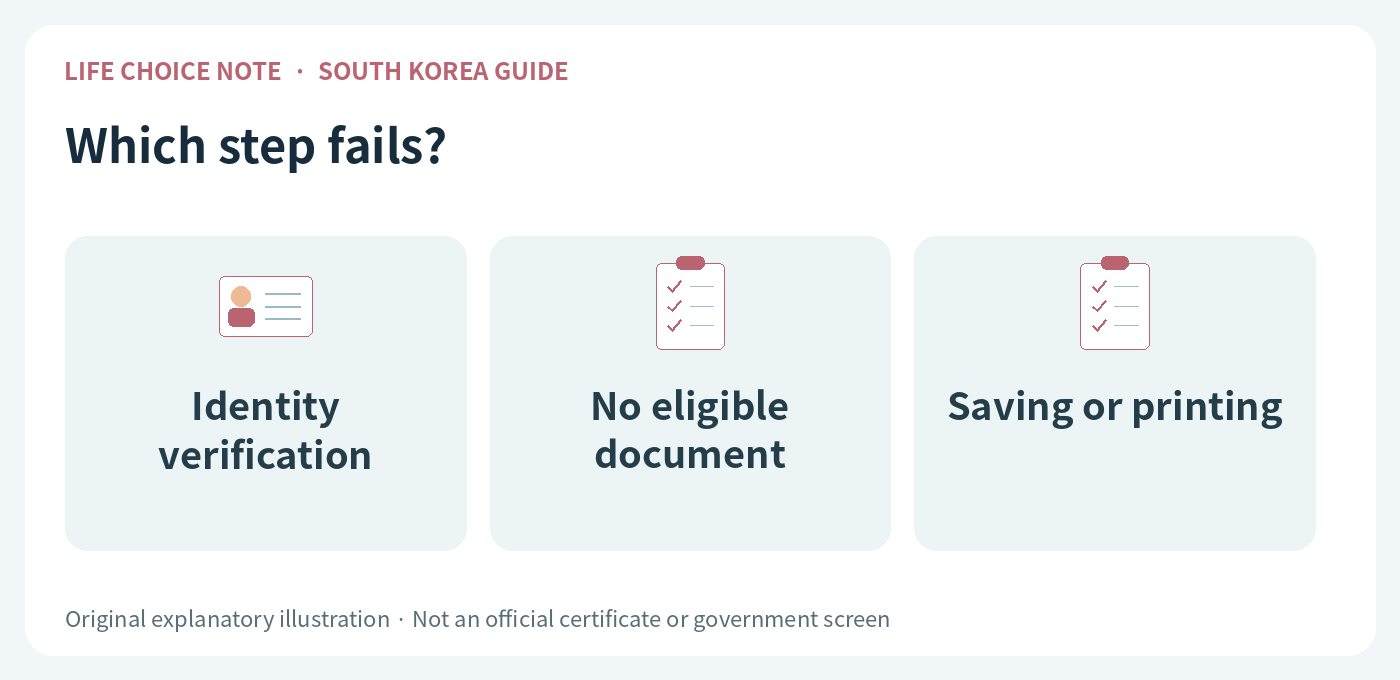
Identify the step where the process stops
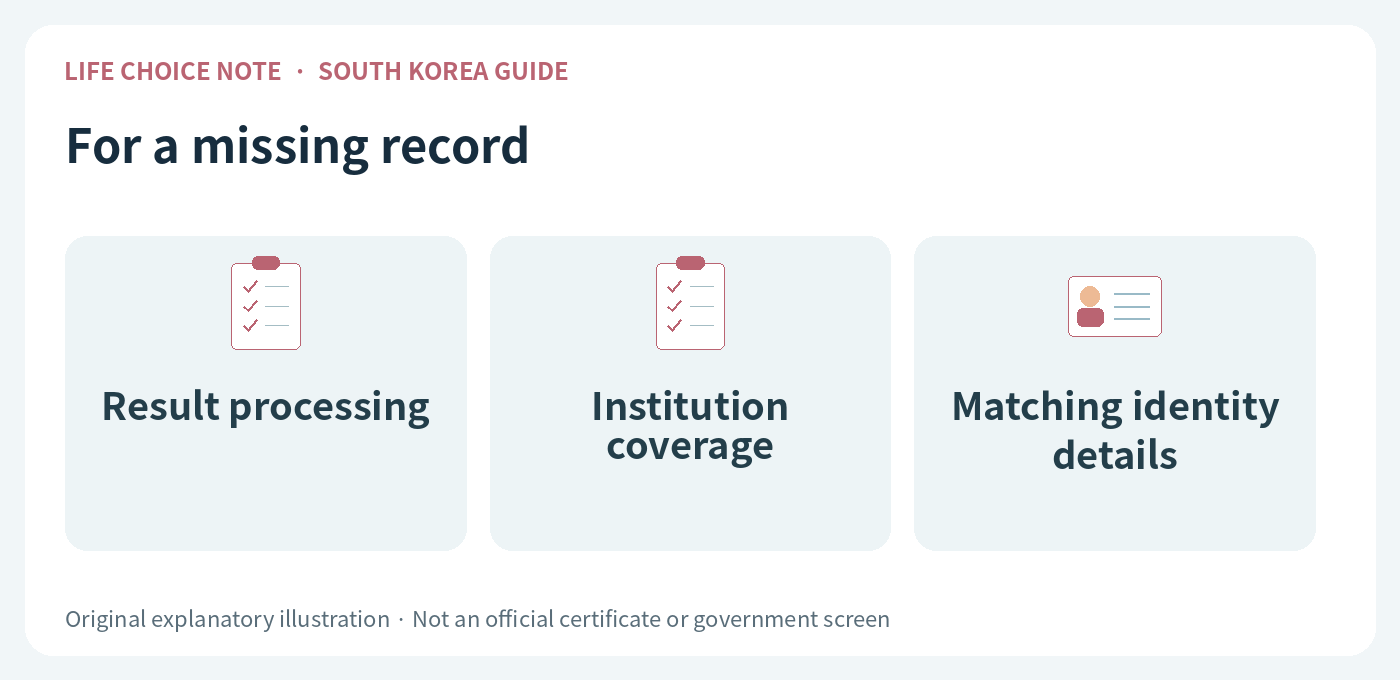
If authentication fails, check whether the input details and authentication account belong to the same person. Do not use someone else’s phone account or certificate to impersonate the applicant. If names or identity details differ, ask the provider or official support how to resolve the mismatch.
A successful login with no eligible document is different from a document that opens but will not save or print. For the latter, check for a downloaded file and note the displayed error. Tell support the stage and wording of the problem rather than only saying that the website does not work.
Prepare a concise and private support request
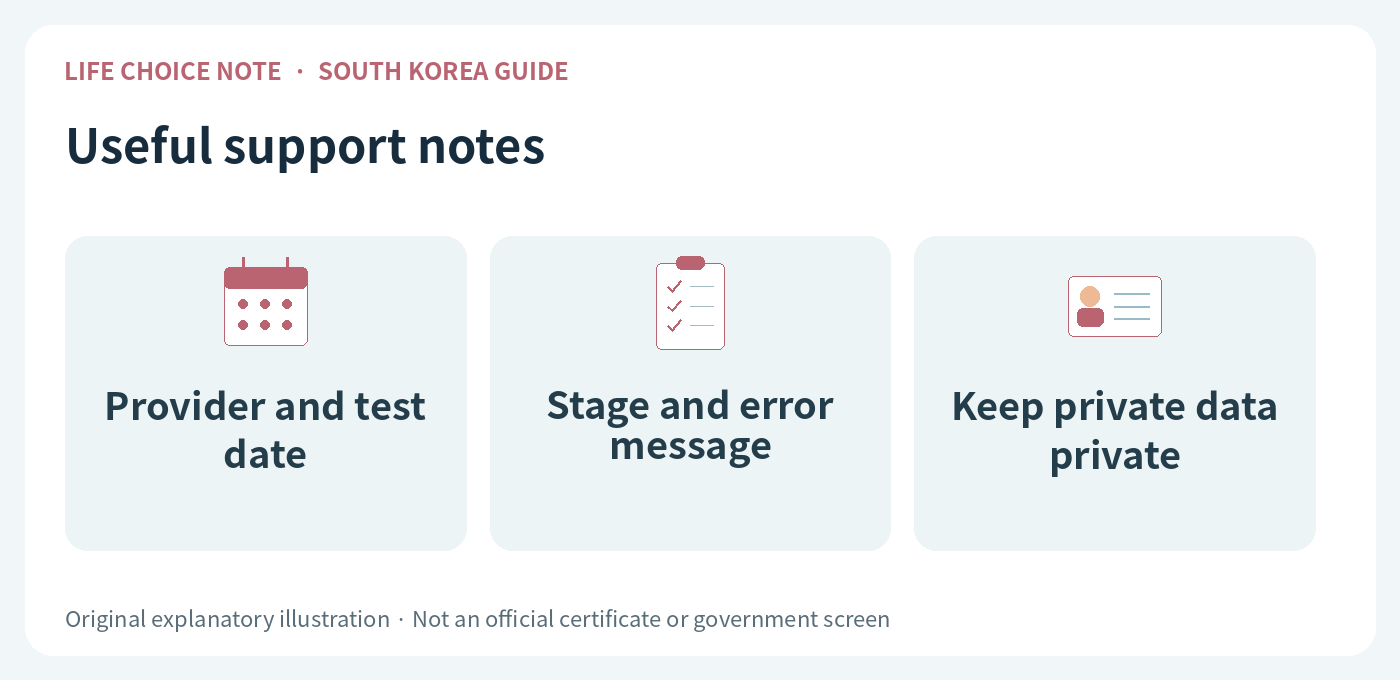
Note the testing institution, examination date, official service used, stage of failure and error message. Do not publish a screenshot containing personal identifiers or medical results. If official support needs identity verification, provide only the necessary information through its designated secure process.
If submission is urgent, also ask whether in-person collection is available. Do not remove security software or bypass workplace computer policies. Repeated clicking may not help; inspect existing issuance records and follow the provider’s guidance before creating more requests or booking duplicate tests.
Before you act
- Confirm the actual processing state.
- Check whether the provider is supported.
- Separate authentication, record and printing problems.
- Protect personal information when requesting help.
Official sources and review scope
- e-Health public health portal: precautions before issuing a health examination result certificate (Korean)
- e-Health public health portal: certificate issuance user guide (Korean)
Sources checked October 6, 2026. This is a guide to South Korea’s system. Fees, registration, documents and online procedures may change; recheck the relevant institution before applying. This information does not determine an individual’s examination result, legal work eligibility or immigration status.
Images are original explanatory illustrations, not official certificates or government screens.