Download a Korean health certificate through the e-Health portal
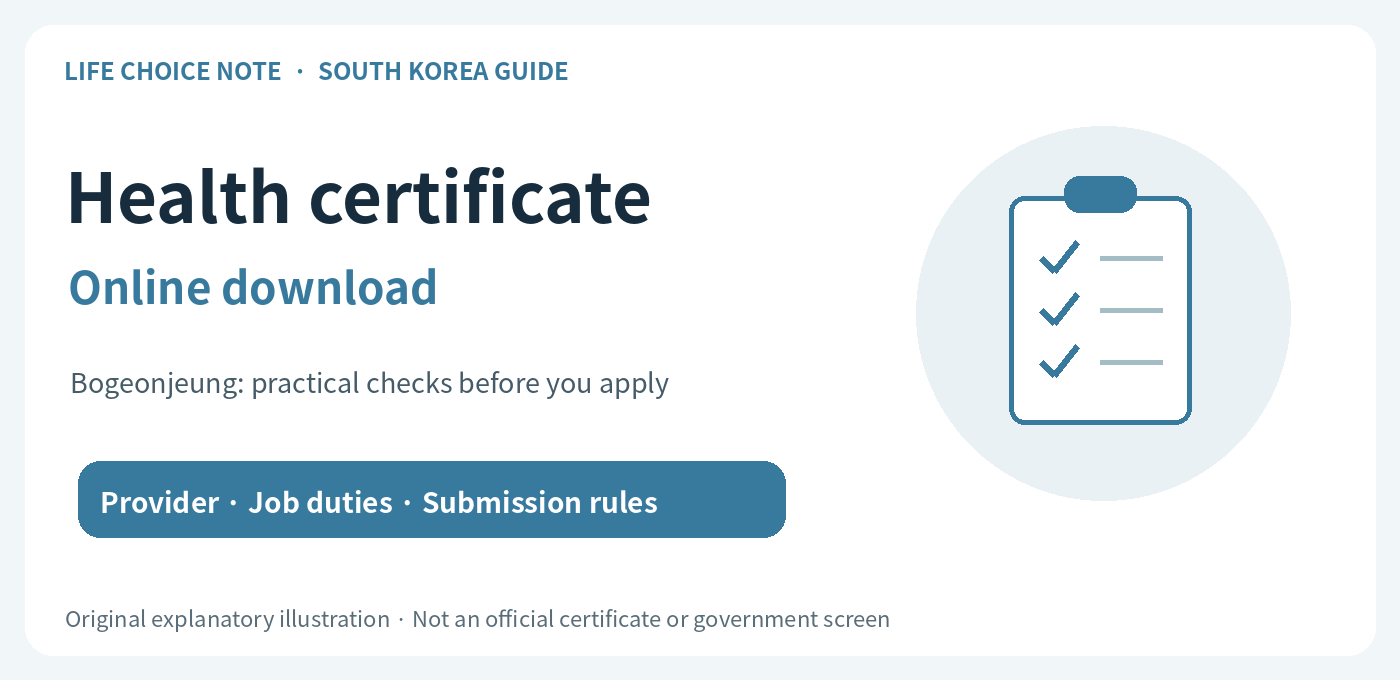
Online issuance retrieves a document from an examination you have already completed. Korea’s e보건소 (e-Health public health portal) does not show results from every hospital. Confirm the testing institution and result availability before authenticating on the official service.
Check whether your result is eligible
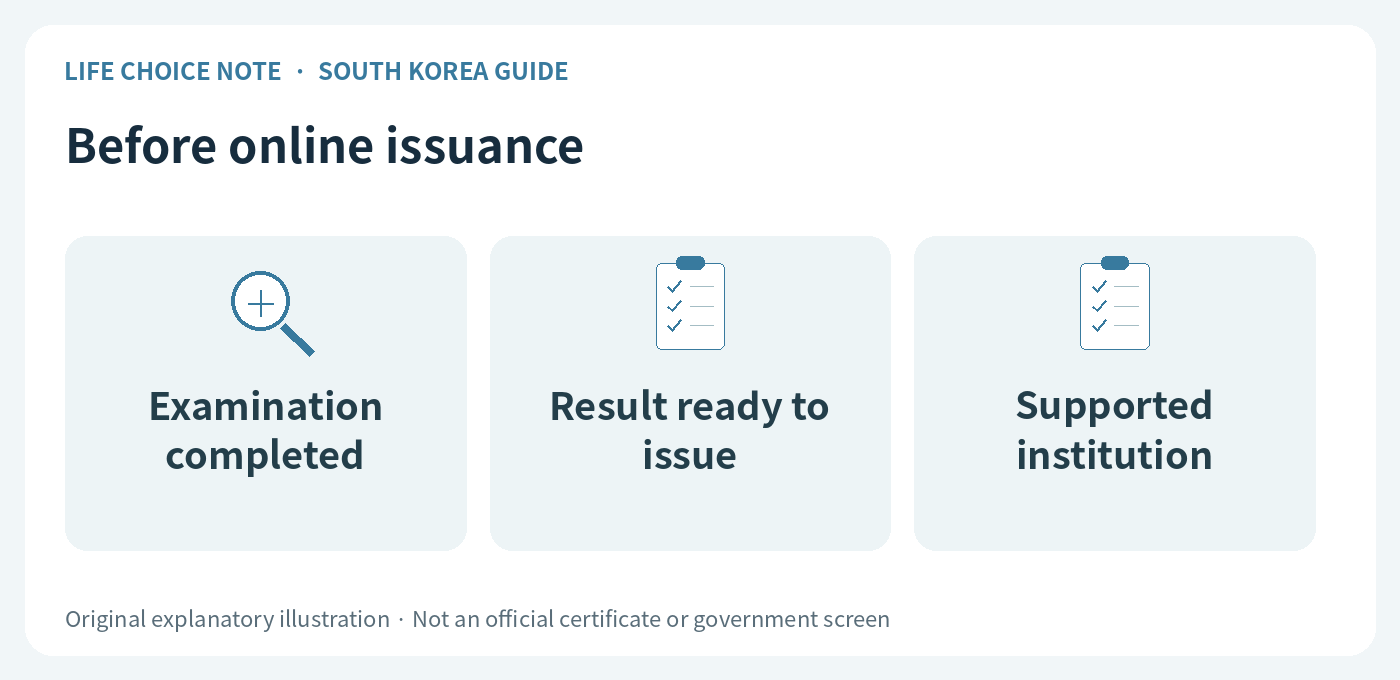
The portal’s published notice covers records from public health institutions and excludes private hospitals; some public institutions may also be excluded. If a private hospital performed your examination, ask that hospital about its certificate service rather than repeating the examination simply because the portal has no entry.
The notice also limits online health examination result certificate retrieval to normal assessments. A missing entry nevertheless has several possible explanations, including processing, unsupported institutions and identity-information differences. Absence from the list does not diagnose an abnormal result. Confirm the status with your provider.
Follow the official issuance sequence
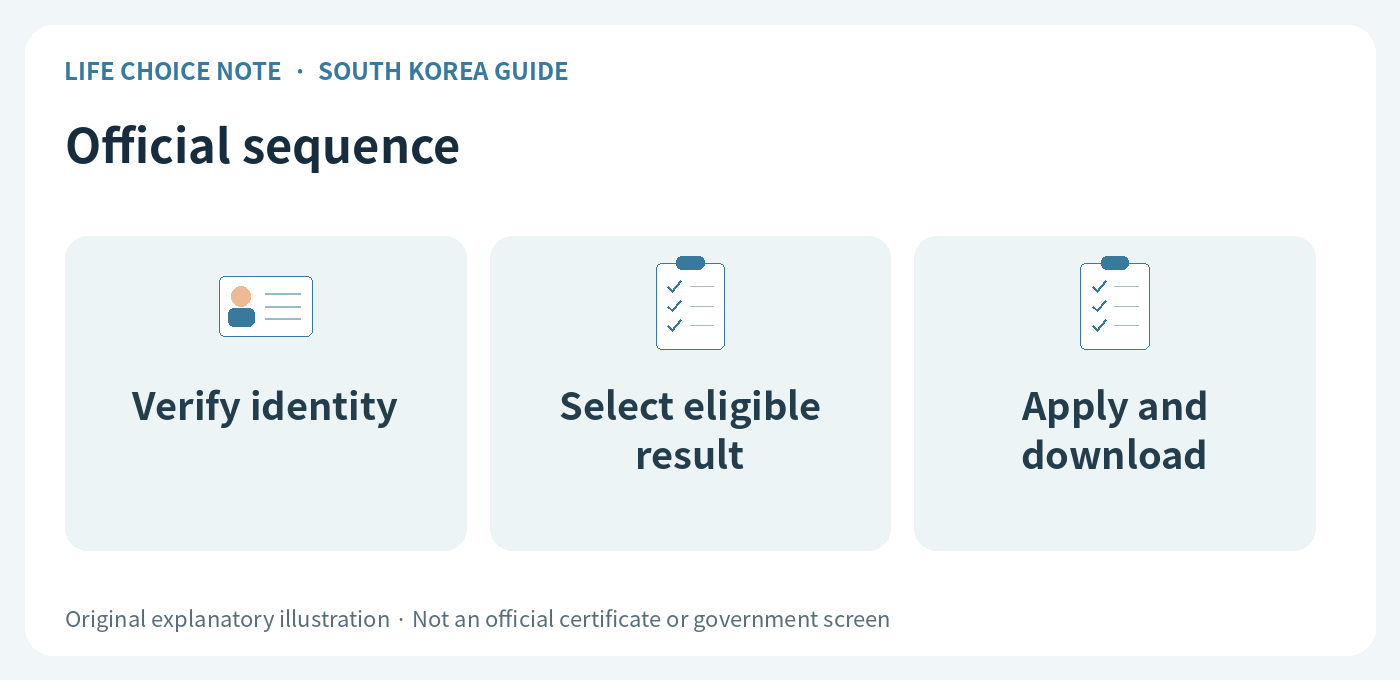
Check that you are on e-health.go.kr and find the health examination result certificate service. Use one of the identity-verification methods offered on the page. Your authentication information must match the person examined. Keep passwords and verification codes private.
After authentication, select the relevant item from the eligible-document list and apply for issuance. The official guide then describes downloading the file. Review choices such as identifier display and purpose against the receiving organization’s needs. This guide summarizes public instructions; it is not a report of personally issuing someone’s certificate.
Open the downloaded file before sending it
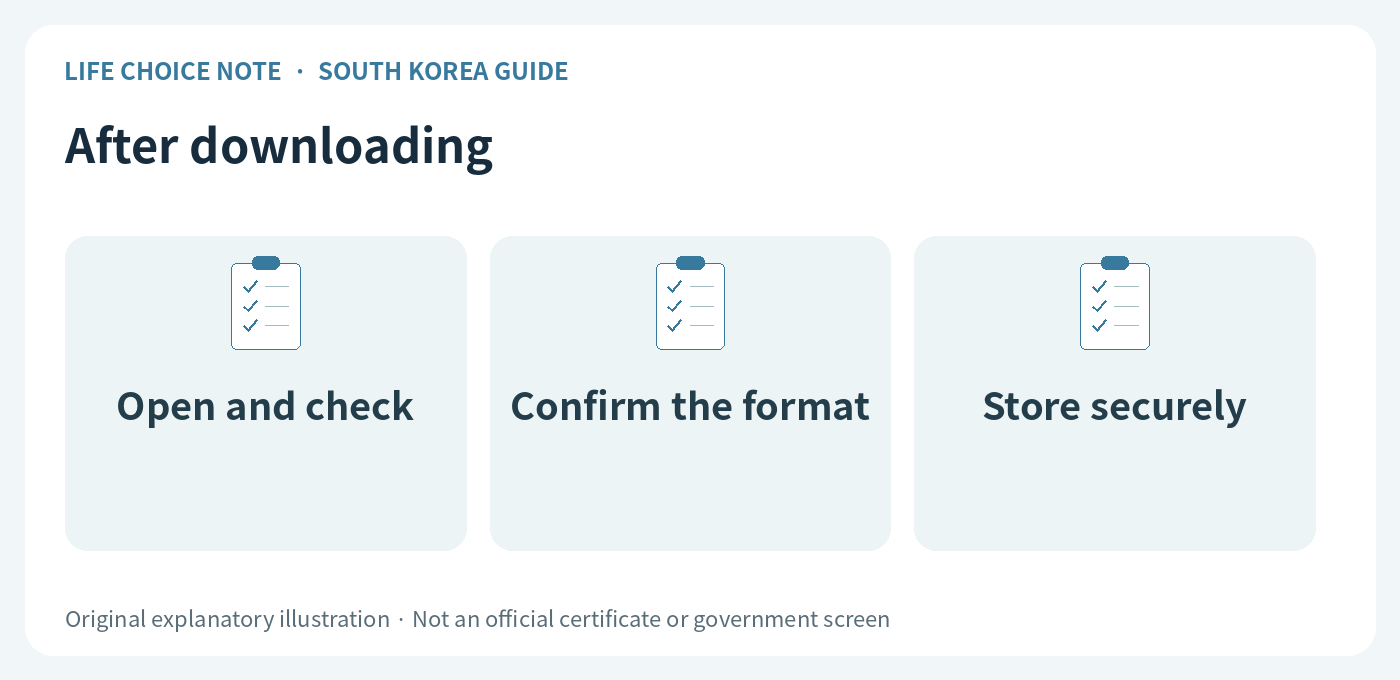
Open the saved document and check the name, document type, dates and readability. A download message alone is not proof that you have a usable file. Ask whether the recipient accepts the electronic document or requires a paper printout.
On a shared computer, sign out and avoid leaving sensitive downloads behind. Do not post unredacted certificate screenshots publicly to ask for help. If saving or printing fails, use the official help route rather than disabling security controls without understanding the consequences.
Before you act
- Check the provider’s portal eligibility.
- Confirm that the result is ready for issuance.
- Verify the official address and your identity method.
- Open the file and confirm the accepted submission format.
Official sources and review scope
- e-Health public health portal: precautions before issuing a health examination result certificate (Korean)
- e-Health public health portal: certificate issuance user guide (Korean)
Sources checked October 6, 2026. This is a guide to South Korea’s system. Fees, registration, documents and online procedures may change; recheck the relevant institution before applying. This information does not determine an individual’s examination result, legal work eligibility or immigration status.
Images are original explanatory illustrations, not official certificates or government screens.